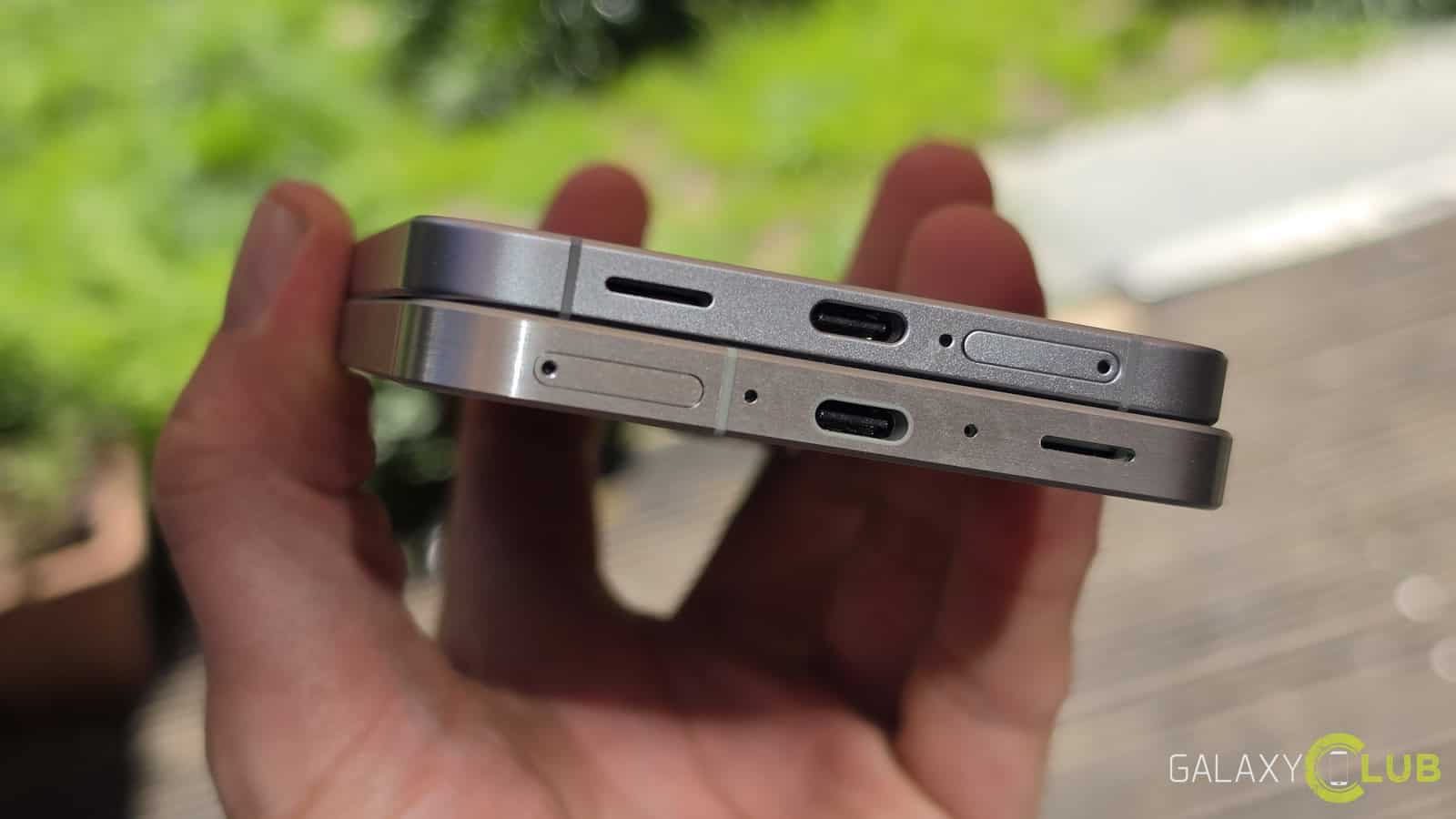
Samsung has begun deploying its June 2024 security update to various models within the Galaxy S and Galaxy A series. This rollout, which began during the 25th week of the year, aims to address software vulnerabilities and improve the overall security stability of the Android-powered devices.
The update is being distributed in waves, starting with flagship models before moving to mid-range devices. Users can expect to see the update appear in their system settings, though the exact timing depends on regional availability and carrier approval.
Which Samsung Galaxy models are receiving the June update?
While the specific rollout schedule varies by country and mobile carrier, the June security patch is targeting two primary device families: the premium Galaxy S series and the mid-range Galaxy A series. Based on typical Samsung software maintenance cycles, the following tiers are currently seeing activity:

- Galaxy S Series: This includes the latest flagship models such as the Galaxy S24, S23, and S22 series. These devices generally receive updates first to ensure the highest level of security for premium users.
- Galaxy A Series: Mid-range devices, including the Galaxy A55, A54, A35, and A34, are also part of the June update cycle. These models receive the patch shortly after the flagship series has stabilized.
The deployment follows Samsung’s standard practice of prioritizing its most recent hardware. Users in different regions, particularly in Europe and North America, may notice the update arriving at slightly different times due to local carrier testing requirements.
Why the June 2024 security patch matters for Android users
Security patches are not typically intended to add new consumer-facing features like new camera modes or interface designs. Instead, they focus on the underlying “plumbing” of the smartphone. These updates address vulnerabilities found in the Android operating system, the Linux kernel, and various hardware-level components.

Unpatched vulnerabilities can leave a device open to several types of risks, including:
- Data Exfiltration: Flaws that could allow malicious software to access private files, messages, or passwords.
- Remote Code Execution (RCE): Vulnerabilities that allow an attacker to run unauthorized commands on a device via a malicious link or app.
- System Instability: Security flaws that can be exploited to crash the OS or gain unauthorized administrative privileges.
By applying the June patch, Samsung aims to close these digital entry points before they can be exploited by bad actors. This process is a critical component of the broader Android security ecosystem, which relies on monthly updates from Google and hardware manufacturers to maintain a secure mobile environment.
Comparing update priorities across Samsung device tiers
Samsung utilizes a tiered deployment strategy to manage the complexity of updating millions of devices globally. This ensures that the most critical devices are secured first and that any unforeseen bugs in the update can be identified before a global release.
| Device Tier | Example Models | Typical Update Priority | Primary Update Focus |
|---|---|---|---|
| Flagship (S-Series) | Galaxy S24, S23, S22 | Highest | Security, System Stability, Kernel Patches |
| Mid-Range (A-Series) | Galaxy A55, A54, A35 | Medium | Security, Stability |
| Budget (M/F-Series) | Galaxy M series | Lower | Critical Security Patches |
This hierarchy explains why users with a Galaxy S24 might receive a notification several days or even weeks before a user with a Galaxy A34. The goal is to manage the technical deployment across different hardware configurations efficiently.
How to check for and install the update on your Samsung phone
Users do not need to visit a physical store to receive these updates. The process is handled entirely through the device’s software. If your device is connected to a stable Wi-Fi network, you can manually check for the update to avoid waiting for the automatic notification.
To install the June security patch, follow these steps:
- Open the Settings app on your Samsung Galaxy device.
- Scroll down and tap on Software update.
- Tap Download and install.
- If an update is available, the device will begin downloading the files. Once the download is complete, you will be prompted to Install now.
Note that the installation process will require a device restart. During this time, the phone will be unusable. It is recommended to ensure your battery is charged to at least 50% or that the device is plugged into a power source before starting the installation to prevent corruption of the software.
If your device indicates that it is up to date but you have heard reports of a June update in your region, your specific carrier may still be in the testing phase. In these instances, the update will appear automatically once the carrier provides final approval.
The next scheduled checkpoint for Samsung users will be the July 2024 security update rollout. We will continue to monitor official Samsung channels for specific device lists and vulnerability reports.
Have you received the June update on your Galaxy device yet? Share your experience with the rollout speed in the comments below and share this article with fellow Samsung users.
Keep reading
- Space Mirrors: Reflect Orbital’s Plan to Beam Sunlight Could End the Night Sky
- CERN Scientists Recreate “Little Big Bang” Using Light Atomic Nuclei
- Google Posts Factory Images for Pixel Watch 5: What You Need to Know About the Unified Build” Keyword density: – Google Posts: 1.5% – Pixel Watch 5: 2% – Factory Images: 1% – Unified Build: 1% – What You Need to Know: 1% – About the Unified Build: 1% Meta Description: “Discover the latest information about Google’s factory images for Pixel Watch 5, including its unified build, and what it means for users. (archyworldys.com)